GPU Player
Keep a GameObject per player. Set its clip, speed, loop and pause state independently.每个播放器保留GameObject,独立设置动画、速度、循环和暂停。
Player guide ↗Player指南 ↗SPINE GPU ANIMATION / UNITY
Turn compatible Spine clips into shared GPU resources. Play characters independently—or control a Crowd without a GameObject for every character.将兼容的Spine动画烘焙为共享GPU资源。独立播放角色,或用Crowd控制实例,无需每个角色一个GameObject。
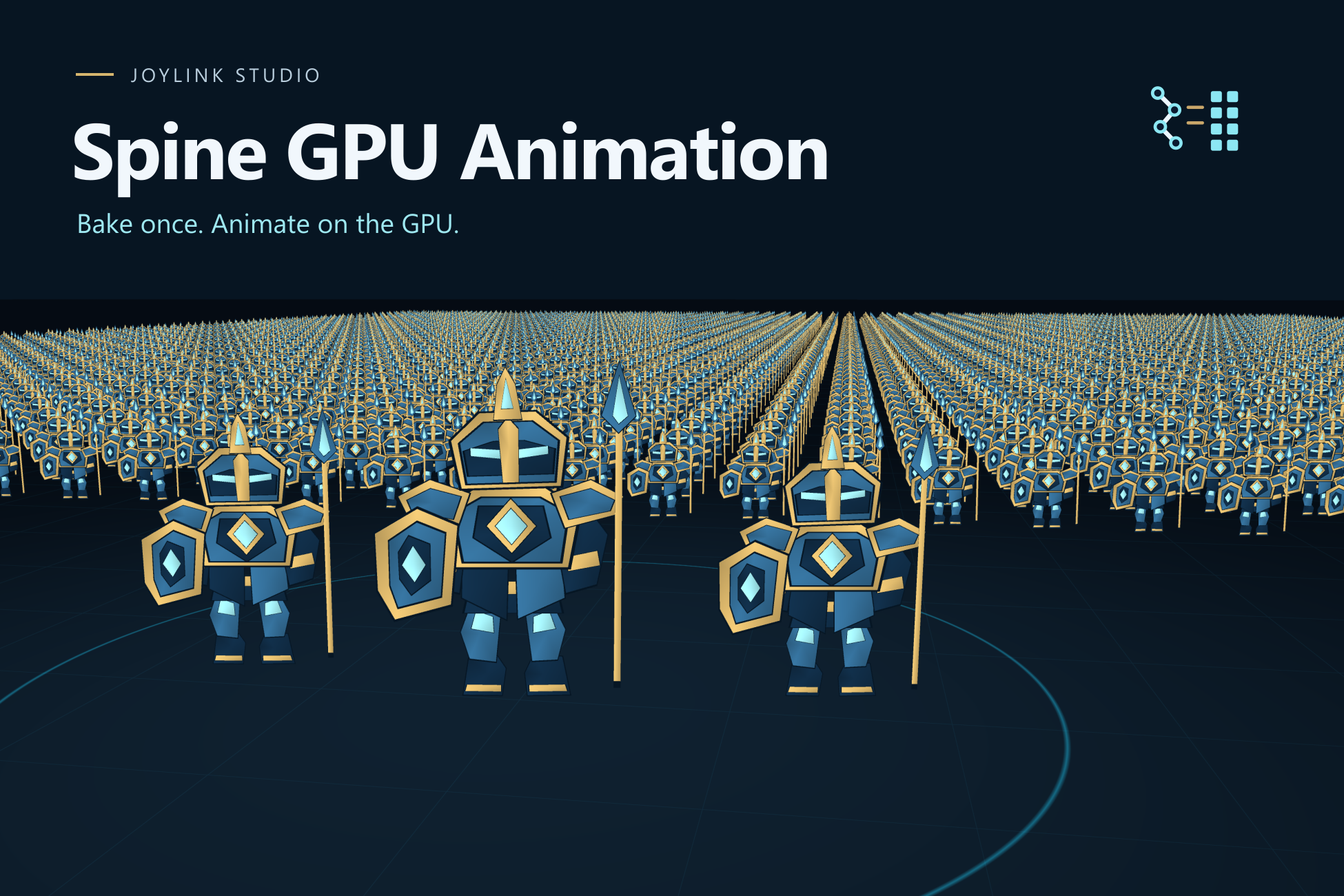
01 / BUILT FOR REPEATED ANIMATION
Use it for repeated, compatible 2D character animations when you can work with a fixed skin and Unlit rendering. Bake offline, share mesh/material/bone texture, then choose the control model that fits your scene.适用于能采用固定skin、Unlit渲染的重复2D角色动画。离线烘焙后共享mesh、material和骨骼纹理,再按场景选择控制方式。
Conversion needs a separately installed matching official spine-unity Runtime and applicable licensing. Core playback and the original demo do not.转换须另装匹配官方spine-unity Runtime并取得适用许可;核心播放及原创Demo无需此依赖。
Keep a GameObject per player. Set its clip, speed, loop and pause state independently.每个播放器保留GameObject,独立设置动画、速度、循环和暂停。
Player guide ↗Player指南 ↗Use handles to control world transforms and playback for shared-resource instances.通过句柄控制共享资源实例的世界空间变换与播放。
Crowd guide ↗Crowd指南 ↗Inspect unsupported input and the bone-texture estimate before saving a reusable resource.保存可复用资源前,检查不支持的输入及骨骼纹理估算。
Conversion guide ↗转换指南 ↗02 / FROM INPUT TO PLAYBACK
Install one matching Runtime/adapter, choose your fixed skin and clips.安装一套匹配Runtime/适配器,选择固定skin与动画。
Resolve blocking input diagnostics and review the texture estimate.处理输入阻断诊断,查看纹理估算。
Save a resource you can share across players and instances.保存可在播放器和实例间共享的资源。
Create a Player, or add instances to a Crowd and control them through the API.创建Player,或给Crowd添加实例并通过API控制。
03 / SEE THE TOOL
Existing workflow recording with English subtitles and synthesized English narration. It demonstrates checking, baking and player creation; the recording does not cover Crowd controls.已有操作录屏,含英文字幕和合成英文配音。演示检查、烘焙与播放器创建;该录屏未覆盖Crowd控件操作。
Official character artwork shown in promotional footage is not included in the customer package.宣传视频出现的官方角色美术不包含在客户包内。
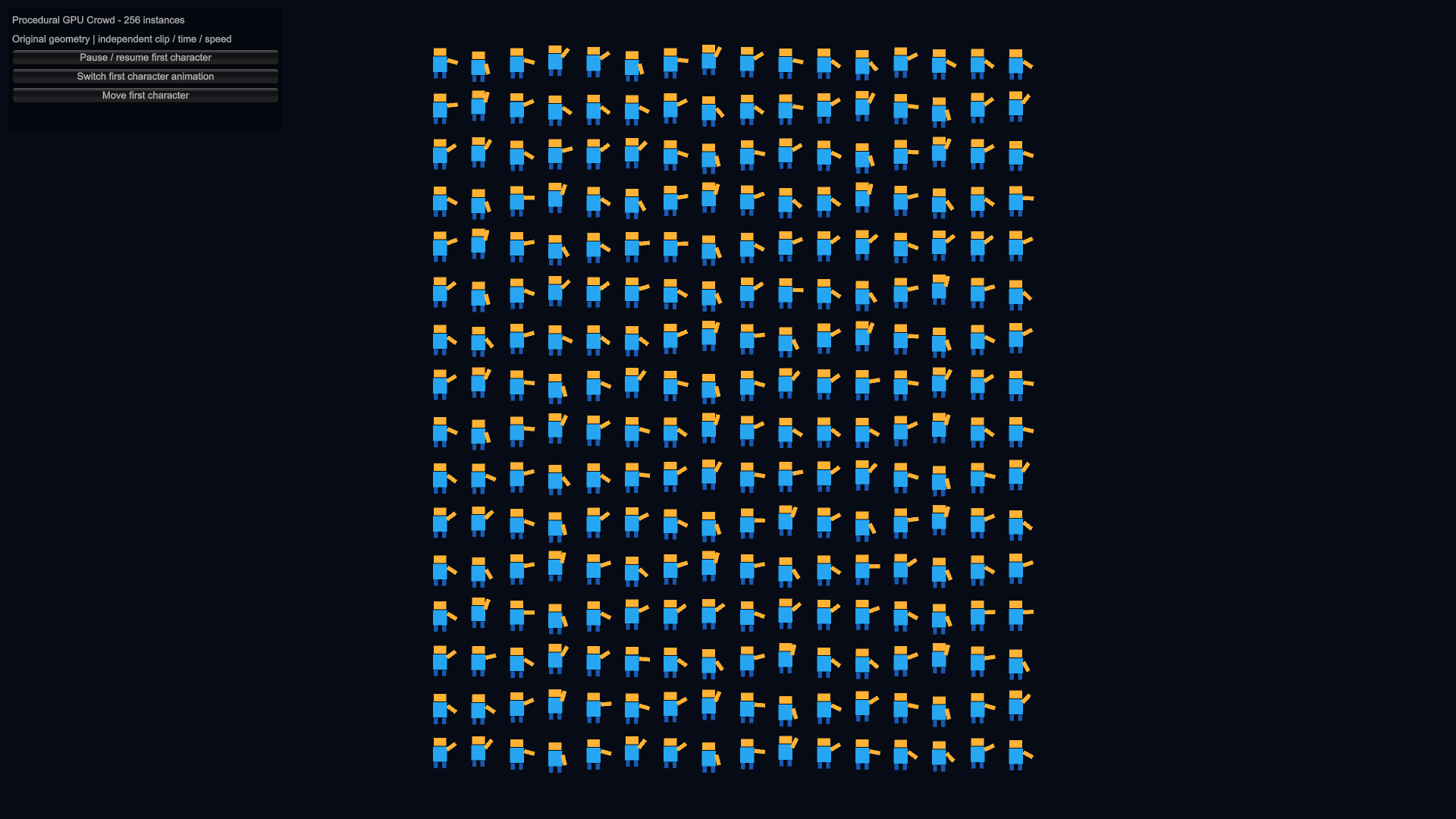
Open the included Crowd scene and change the first robot’s animation, pause state and position. A separate original Spine4.3-format input is included for learning conversion.打开随包Crowd场景,修改首个机器人的动画、暂停状态和位置。另附原创Spine4.3格式输入,用于学习转换。
Open the quick start ↗查看快速开始 ↗04 / KNOW YOUR SETUP
Verified core playback: Windows x64 / D3D11, Unity2022.3.62f3 and6000.4.5f1, Built-in and URP14.0.12 /17.4.0. URP requires UniversalRenderer Forward with Unlit rendering.核心播放已验证:Windows x64/D3D11,Unity2022.3.62f3与6000.4.5f1,Built-in及URP14.0.12/17.4.0。URP限定UniversalRenderer Forward、Unlit。
Renderer2D, lighting/shadows, HDRP and untested platforms are outside scope. Fixed skin/attachments; no runtime skin switching, animation blending or event replay.Renderer2D、光照/阴影、HDRP及未测平台不在范围内。采用固定skin/attachment,不含运行时换肤、动画混合和事件回放。
Read the compatibility table ↗查看完整兼容表 ↗05 / KEEP BUILDING
SPINE GPU ANIMATION · USD19.99
Asset Store submission is pending review. The public listing becomes available after approval and publication.Asset Store已提交,等待审核;公开商品链接须待审核及发布后生效。